

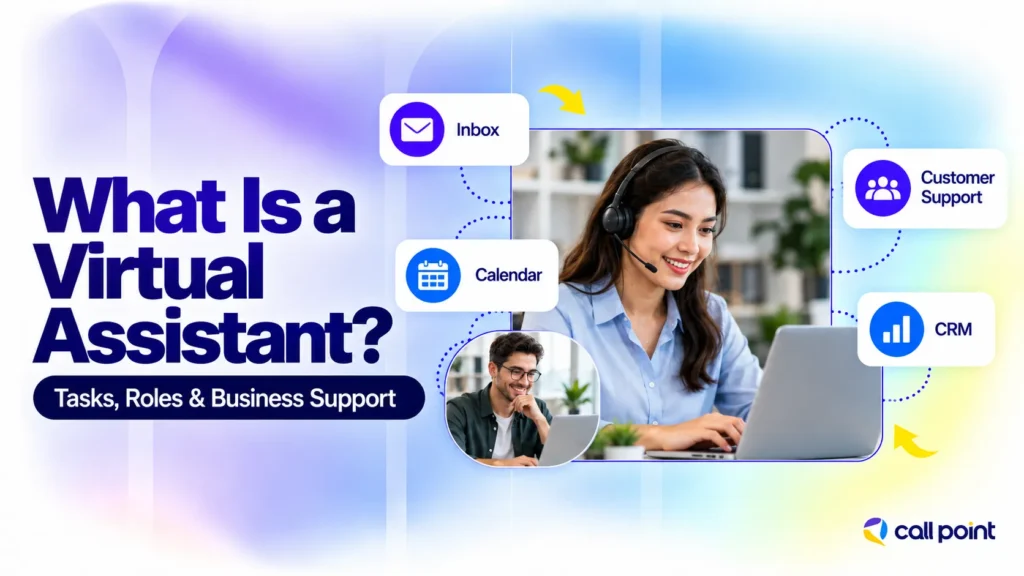
New enquiries need replies, appointments need arranging and customer records need updating. These jobs keep a business running, but they can take up much of an owner’s working day. A virtual assistant provides remote support for agreed tasks, giving the owner or internal team additional help with the workload.
The role can cover administration, customer service, research or sales support. What matters is matching the person’s skills to the work and deciding which actions they can take independently.
What Is a Virtual Assistant?
A virtual assistant (VA) is a person who works remotely to support a business with administrative, operational or specialist tasks. Common responsibilities include managing emails, scheduling meetings, entering data and maintaining customer records. The scope depends on the assistant’s experience and the business’s requirements.
VAs can work independently, through an outsourcing provider or as remote employees. Some support a business for a few agreed hours; others work a full-time schedule. “Virtual” describes how the work is delivered, rather than a particular number of hours.
In this article, virtual assistant means a human professional. AI assistants and chatbots are software tools, although a human VA may use approved software to help complete their work.
What Does a Virtual Assistant Do?
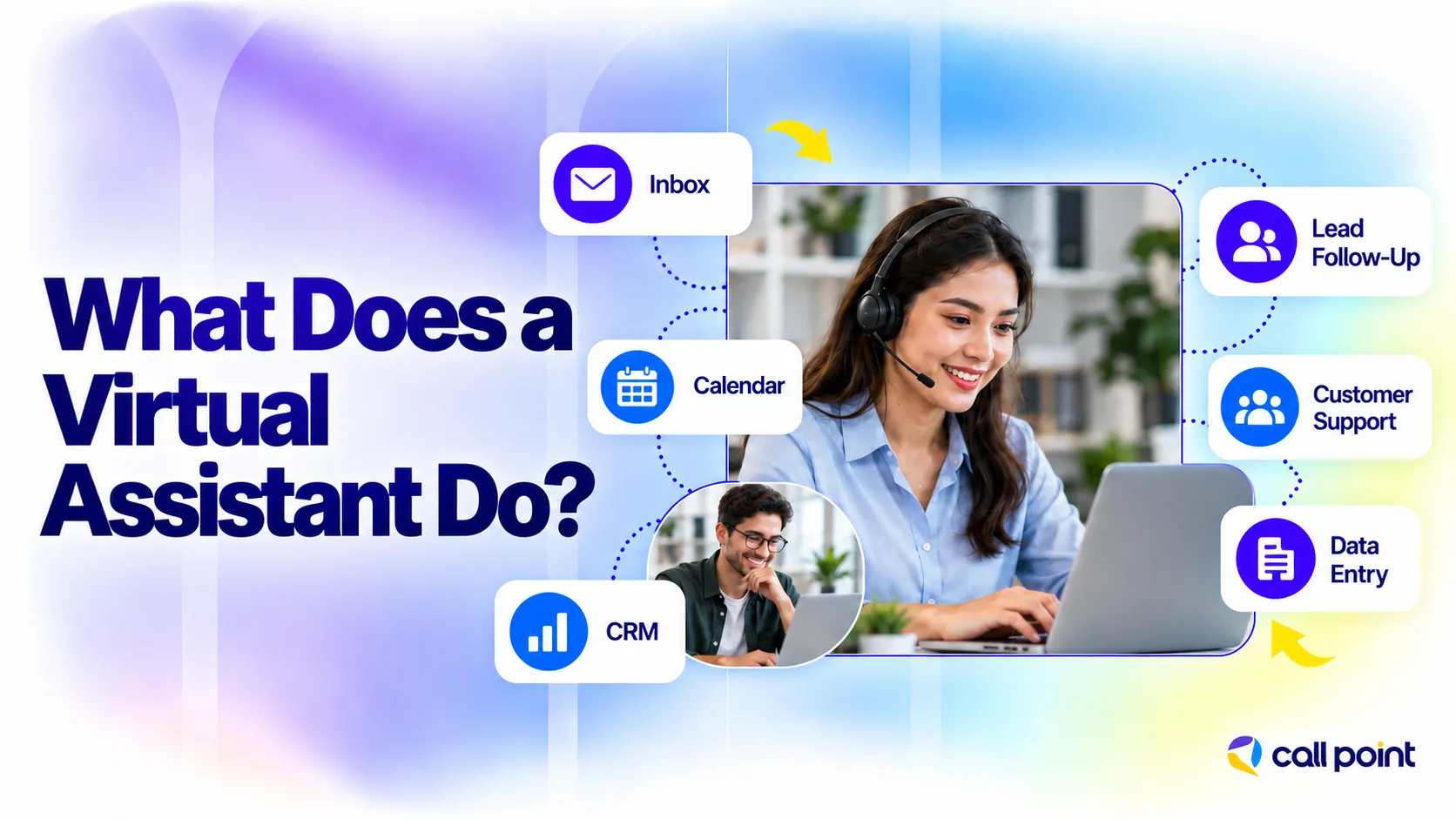
A virtual assistant takes care of work such as sorting emails, arranging meetings, updating records and responding to routine enquiries. Some businesses need help with a few daily tasks. Others need someone to support a particular team. The responsibilities depend on the workload and the assistant’s experience.
1. Inbox Management
Customer enquiries can disappear beneath newsletters, supplier updates and internal messages. A VA sorts the inbox, flags emails that need your attention and sends routine replies using information you have approved. They also keep track of unanswered conversations, so you can see who is still waiting without checking every email yourself.
2. Calendar Management
Booking a meeting often involves several emails before anyone agrees on a time. A virtual assistant checks availability, confirms the slot and sends an invitation with the meeting link.
They also handle changes. If a client needs to reschedule, the VA finds another suitable time and updates everyone involved. For international meetings, they check time zones before confirming the booking.
3. CRM Management
A useful CRM record should tell the salesperson who the prospect is, what was discussed and when to follow up. The VA enters those details from enquiry forms, call notes or information supplied by the team. They flag missing fields, check possible duplicates and update deal stages under your instructions. The salesperson can then pick up the conversation without searching through old emails.
4. Lead Follow-Up Support
A prospect asks for a quote. Your team sends it, but nobody records when to check back. A VA can create the follow-up task, send an approved message and record any response.
If the prospect asks about pricing or wants to discuss the proposal, the VA passes the conversation to the salesperson. Their role is to keep the follow-up organised and make sure the next action has an owner.
5. Customer Support
Questions about booking times, order progress or service availability do not always need a specialist. A trained VA can check the relevant system and answer using your approved information. They record the enquiry and pass complaints, refund requests or unfamiliar problems to the person responsible. Customers get help with routine questions while complex issues reach the right team member.
6. Data Entry and Database Cleanup
One customer appears twice in a spreadsheet. Another record has no phone number. Several entries use different date formats. A VA works through these inconsistencies and prepares the records for use.
They enter new information, standardise formatting and flag details that need checking. Conflicting records should be reviewed before anything is merged or deleted; the assistant should not guess which information is correct.
7. Sales Prospect Research
Before research begins, the sales team needs to define the companies it wants to contact. For a commercial cleaning business, that might mean property managers within its service area. The VA checks company websites and approved directories, records relevant contacts and includes source links in the prospect list. Salespeople can review the findings and prepare their outreach. Being on the list does not mean a company is interested in buying.
8. Appointment Coordination
A booking needs more than a date in the calendar. The team may also need an address, a contact number and instructions for entering the building.
For a site inspection, a VA can collect those details, send a confirmation and remind the customer before the visit. If the customer cancels, they update the booking system and arrange another time within the team’s availability.
What Are the Main Types of Virtual Assistants?

Virtual assistants are often described by the work they handle. These categories can overlap, so check the person’s actual experience rather than relying on a job title.
Administrative Virtual Assistant
An administrative VA handles inbox organisation, scheduling, document preparation, data entry and file management. This role suits businesses with recurring office tasks that can be completed remotely using agreed instructions.
Executive Virtual Assistant
An executive VA supports a founder, director or senior manager with calendar priorities, meeting preparation, travel arrangements and confidential administration. The work requires judgement about urgency, access to sensitive information and a clear understanding of the executive’s preferences.
Customer Support Virtual Assistant
A customer support VA responds to enquiries through agreed channels, records customer issues and passes complex cases to the appropriate team member. Product training and escalation rules help define what the assistant can resolve without approval.
Sales Virtual Assistant
A sales VA supports prospect research, CRM updates, follow-up administration and appointment coordination. If the role includes outreach or qualification, the business should agree on the target audience, scripts and criteria. Administrative sales support does not automatically include responsibility for negotiating or closing deals.
Marketing Virtual Assistant
A marketing VA can organise content calendars, upload approved material, prepare reports and support campaign administration. Copywriting, paid advertising and SEO require additional skills and should be assessed separately.
How Does a Virtual Assistant Work With a Business?
A virtual assistant works through agreed tasks, system access, communication arrangements and review procedures. The business supplies the information needed to complete the work, while the assistant reports progress and raises questions or exceptions.
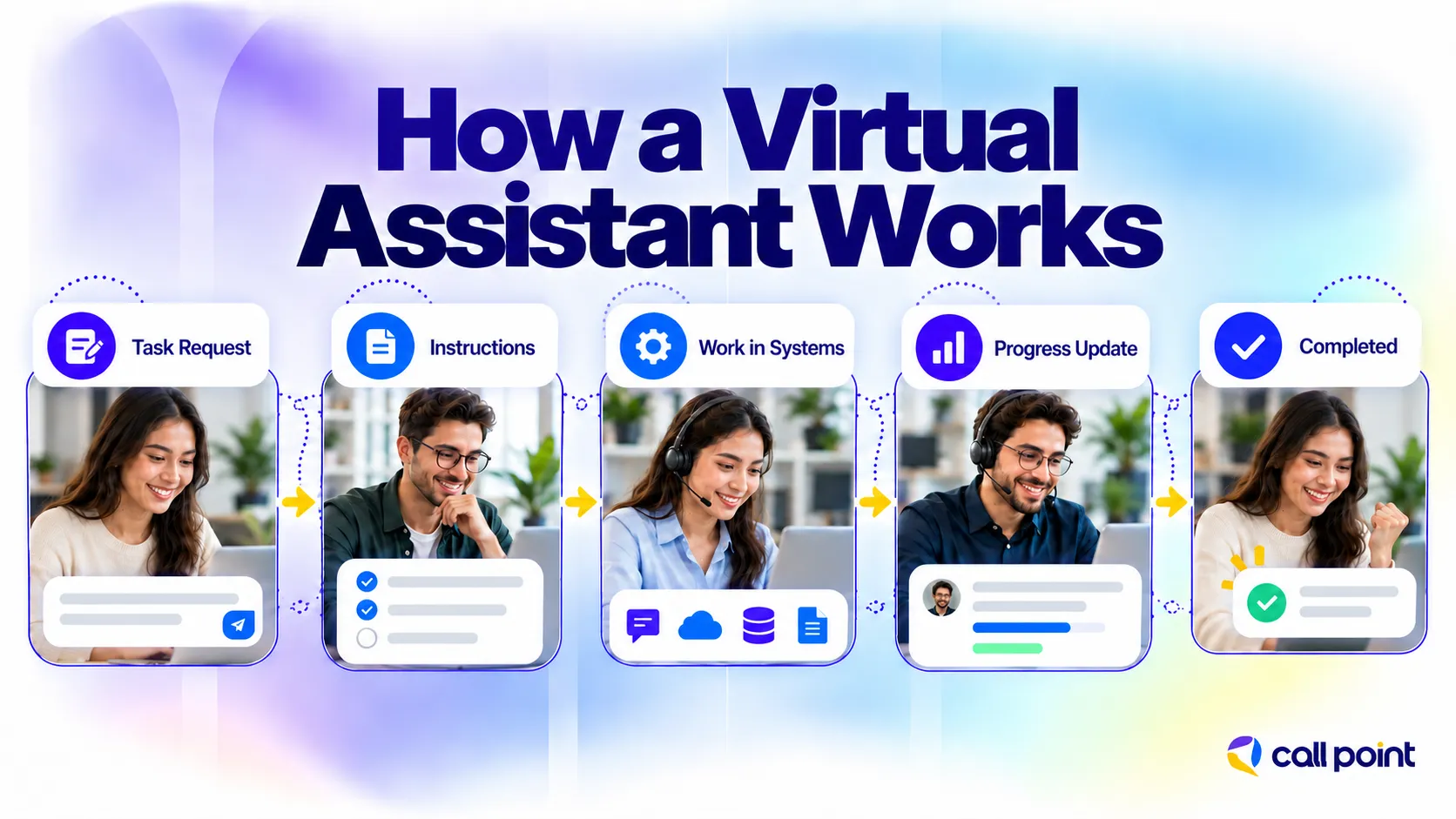
A practical setup follows these steps:
- Define the scope. List the tasks, frequency, deadlines and expected outputs.
- Document the process. Provide instructions, examples and approval rules.
- Arrange access. Give the assistant the permissions needed for the agreed work.
- Explain escalation. Identify who handles urgent, sensitive or unfamiliar situations.
- Review initial work. Check accuracy and resolve gaps in the instructions.
- Agree on reporting. Decide how progress, outstanding tasks and errors will be recorded.
For inbox management, instructions might allow the VA to answer opening-hours questions using an approved response. A complaint about service quality could go to the operations manager, while a pricing request might require the owner’s approval.
Tools alone do not establish the process. Gmail provides access to messages, and a CRM stores customer information, but the business still needs to explain how those systems should be used.
When Should You Hire a Virtual Assistant?
Consider a virtual assistant when recurring work is causing delayed replies, missed follow-ups or an administrative backlog. The work should be substantial enough to justify the support and suitable for remote delivery.
An owner answering routine enquiries after hours may need inbox support. A sales team with incomplete customer records may need CRM administration. The appropriate role follows from the problem you need to solve.
Before hiring, check whether unclear responsibilities or unnecessary steps are contributing to the backlog. An assistant needs a workable process and someone available to answer questions, particularly during the handover.
What are the Benefits and Limitations of hiring a Virtual Assistant?
A virtual assistant adds capacity for agreed work and allows owners or employees to spend less time on recurring support tasks. The value depends on the assistant’s skills, the quality of the handover and how reliably the work is completed.
For a business owner, that could mean handing over appointment scheduling while retaining responsibility for client meetings. For a sales team, it could mean receiving complete prospect records before making calls.
There are also limits. A VA cannot complete physical site work remotely, and unfamiliar systems or complex responsibilities require training. Sensitive decisions may need approval, while absences and out-of-hours enquiries require coverage arrangements.
Cost savings should be evaluated against the full service scope. Compare fees, management time, software costs and training requirements before deciding whether the arrangement suits your business.
Outsourced Virtual Assistant vs In-House Administrative Employee
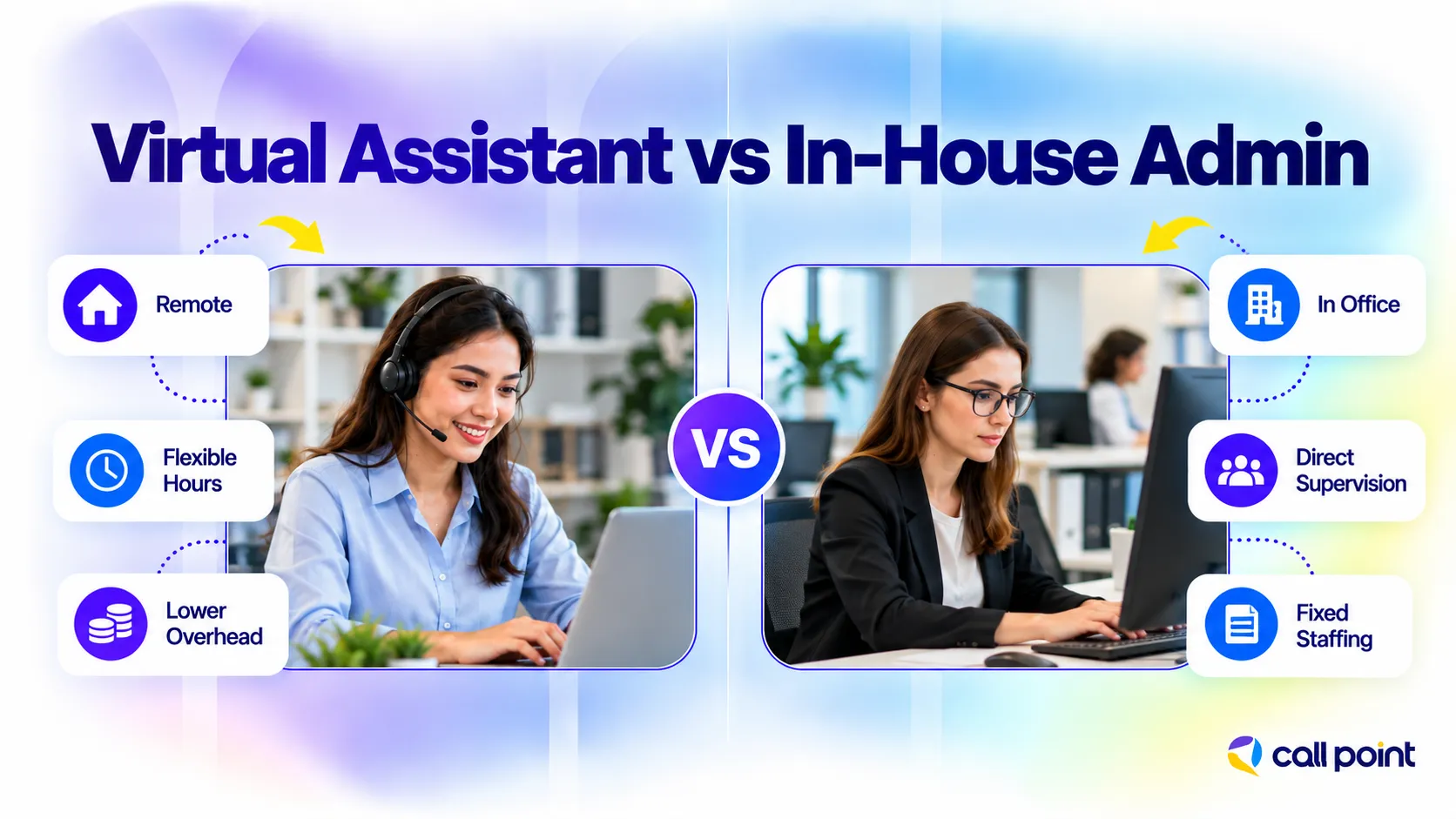
An outsourced VA and an in-house administrative employee can handle similar work. The main differences concern recruitment, supervision, service terms and how the role fits into the business.
| Factor | Outsourced virtual assistant | In-house administrative employee |
| Engagement | Services provided under an agreement with an individual or provider | Recruited into the business as an employee |
| Location | Remote | Office, hybrid or remote |
| Scope | Defined in the service agreement | Defined in the internal role |
| Supervision | Client-led or supported by provider management | Managed within the business |
| Cost comparison | Service fees, included hours and management support | Salary and applicable employment, recruitment and equipment costs |
| Coverage | Depends on the agreed schedule and provider arrangements | Depends on staffing and internal cover |
| Suitable work | Tasks that can be delivered remotely within the agreed scope | Work requiring the particular availability and involvement specified by the business |
Either role can involve full-time hours and substantial responsibility. Choose based on the actual workload, access requirements and management arrangements.
How to Choose the Right Virtual Assistant
Choose a virtual assistant with experience relevant to your tasks, clear communication and a workable approach to reporting and approvals. A broad claim that someone can handle every business function tells you little about their suitability.
Discuss a realistic task during the selection process. For CRM support, ask how they would identify incomplete records and avoid duplicate entries. For inbox management, ask how they would handle a message that falls outside the approved responses.
Agree on working hours, the main contact person, review arrangements and absence coverage. For outsourced services, establish which responsibilities sit with the provider and which remain with your team.
How Call Point Supports Virtual Assistant Work
One of our solar company clients needed help managing enquiries and appointment follow-ups. The sales team was handling consultations, while contacting new leads, updating customer records and arranging appointments added to their workload.
Call Point supported these tasks through an agreed workflow. Our VA team followed up with leads, collected details about their solar requirements and booked consultations based on the client’s qualification criteria and availability. We also updated the CRM and sent appointment reminders. Technical advice, pricing and sales decisions stayed with the client’s solar team.
This strategy offered a clear next step for each inquiry and made customer information easily accessible for the salesperson. The solar team focused on consultations while Call Point handled the coordination. For help with inquiries and appointment bookings, contact Call Point Business Solutions for virtual assistant support.
Frequently Asked Questions
Can a Virtual Assistant Work During My Business Hours?
Yes, when those hours are included in the agreed schedule. Confirm time-zone overlap, holiday arrangements and availability before starting. A provider’s wider operating hours do not necessarily mean that an individual assistant is available at every hour.
Do I Need to Train a Virtual Assistant?
You need to explain your business-specific processes, priorities and approval rules. An experienced VA may already understand the software, but still needs to learn how your team uses it and how to handle exceptions.
Can a Virtual Assistant Make Decisions for My Business?
A VA can make decisions within agreed authority. You might allow them to rearrange appointments within approved availability while requiring permission for refunds or pricing changes. Document the boundaries and provide a contact for situations outside them.
What Happens When a Virtual Assistant Is Unavailable?
Coverage depends on the individual or provider arrangement. Before hiring, ask how absences are handled, whether a backup person is available and how pending tasks are handed over. Include any essential coverage requirements in the agreement.
How Much Does a Virtual Assistant Cost?
Virtual assistants on Upwork typically cost US$10–$20 per hour, depending on their experience and the work involved. At that rate, 40 hours of support would cost about US$400–$800, before platform fees or other charges. Specialist work can cost more. Call Point Business Solutions provides a custom quote based on your tasks, required hours and management needs.
Final Thoughts
A virtual assistant can take responsibility for recurring work when the tasks, permissions and expected results are clear. Start with an existing workload and assess the skills needed to handle it. That makes it easier to select support and review whether it is helping.
Before requesting a proposal, prepare a short list of tasks, required hours, systems and approval boundaries. Call Point can use those requirements to discuss the service scope, management arrangements and fees.