A laptop refuses to connect to Wi-Fi. Someone gets locked out of Microsoft 365 five minutes before a meeting. A new employee starts tomorrow but still needs an email account, software access and the right permissions. These are everyday IT support situations.
IT support is the work involved in helping people use, access and troubleshoot business technology. It covers computers, software, user accounts, networks, cloud applications and connected devices. Some requests are quick fixes. Others need deeper investigation or escalation to a specialist.
For a business, good IT support is less about “fixing computers” and more about getting people back to work with the right technology and access.
What Is IT Support?
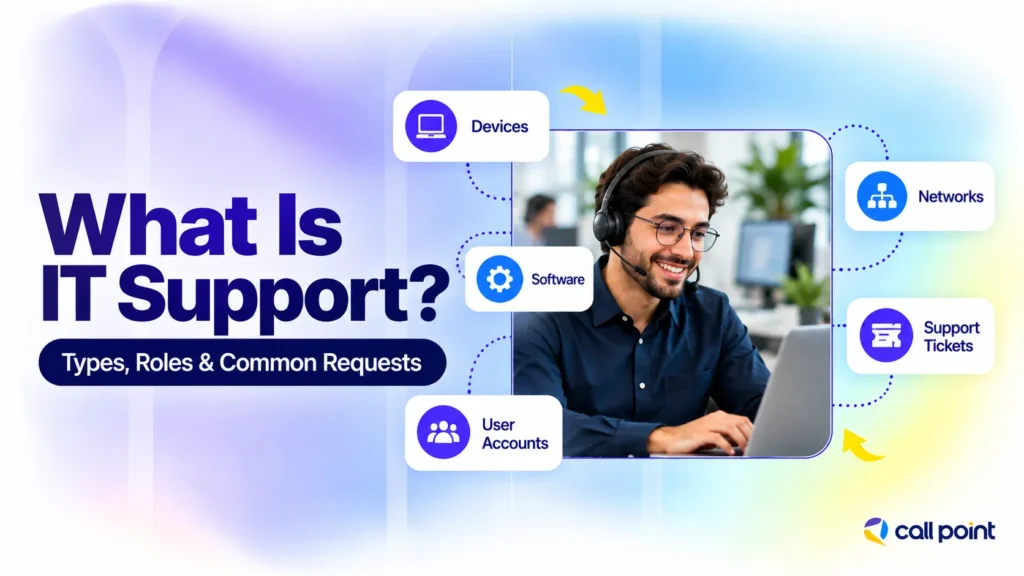
IT support is a technical service that helps users operate and troubleshoot workplace technology. The work includes resolving hardware and software faults, managing user access, supporting networks, handling technical requests and passing complex problems to the right specialist.
The scope looks different from one business to another. A small company might have one IT technician handling laptops, email and account access. A larger organisation might split the work between a help desk, system administrators, network teams and security specialists.
Support work also falls into two broad situations. One is reactive: something has stopped working and needs attention. The other is routine operational support, such as preparing a laptop for a new employee, changing access permissions or installing approved software.
Take a simple example. An employee cannot sign in to Microsoft 365 after changing phones. The support technician checks the account and the organisation’s authentication setup, then helps the user restore the correct sign-in method. Microsoft notes that organisations often use multifactor authentication, where a sign-in requires another verification method in addition to a password.
What Does an IT Support Team Do?
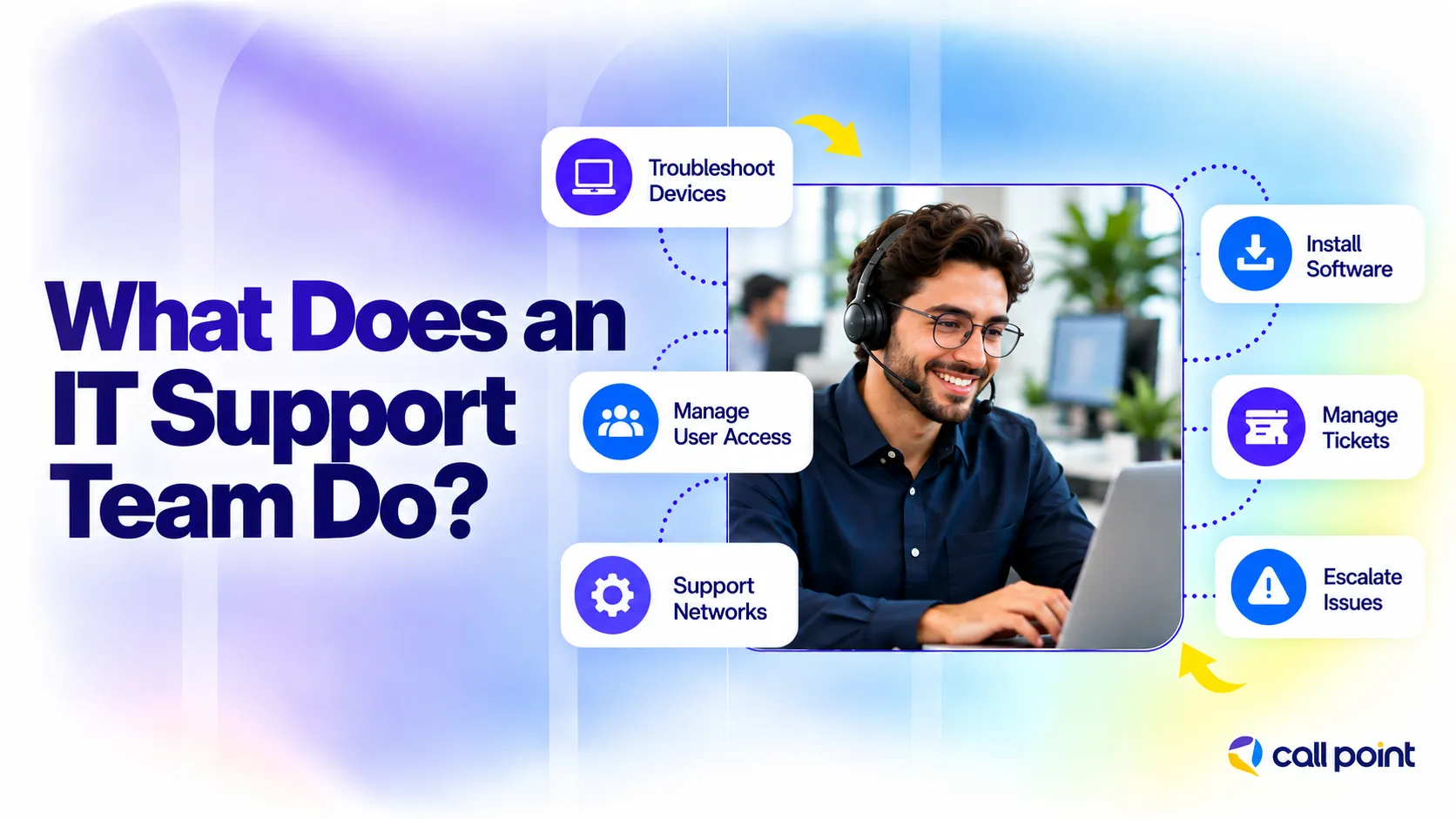
An IT support team helps employees deal with everyday technology problems and service requests. The work includes fixing devices and software, managing user access, supporting connections, handling tickets and passing complex issues to the right specialist.
Troubleshooting Hardware and Software Problems
IT support teams check problems with laptops, desktops, printers, applications and operating systems. They first identify what is causing the issue, then work through the appropriate fix or send the case to a specialist if deeper technical work is needed.
Managing User Accounts and Access
Support staff set up user accounts, reset passwords, update permissions and remove access when employees leave. They also help with login and authentication problems while following the company’s approval and security procedures.
Supporting Networks and Connectivity
Wi-Fi drops, VPN problems and network access issues are common support requests. A technician checks where the connection is failing and works through the problem instead of treating every internet issue the same way.
Installing and Configuring Software
Employees often need approved software installed or updated before they can complete their work. The IT team handles the setup, checks licensing where required and makes sure the user has the correct access and configuration.
Managing IT Support Tickets
A support ticket keeps each request organised from the first report to the final resolution. It records the issue, who is handling it, what has already been checked and whether the ticket needs to move to another team.
Escalating Complex Problems
Some problems need more technical knowledge or higher system access. In those cases, the support team sends the issue to a system administrator, network specialist, software expert or security team with the relevant details already documented.
What Are the Main Types of IT Support?
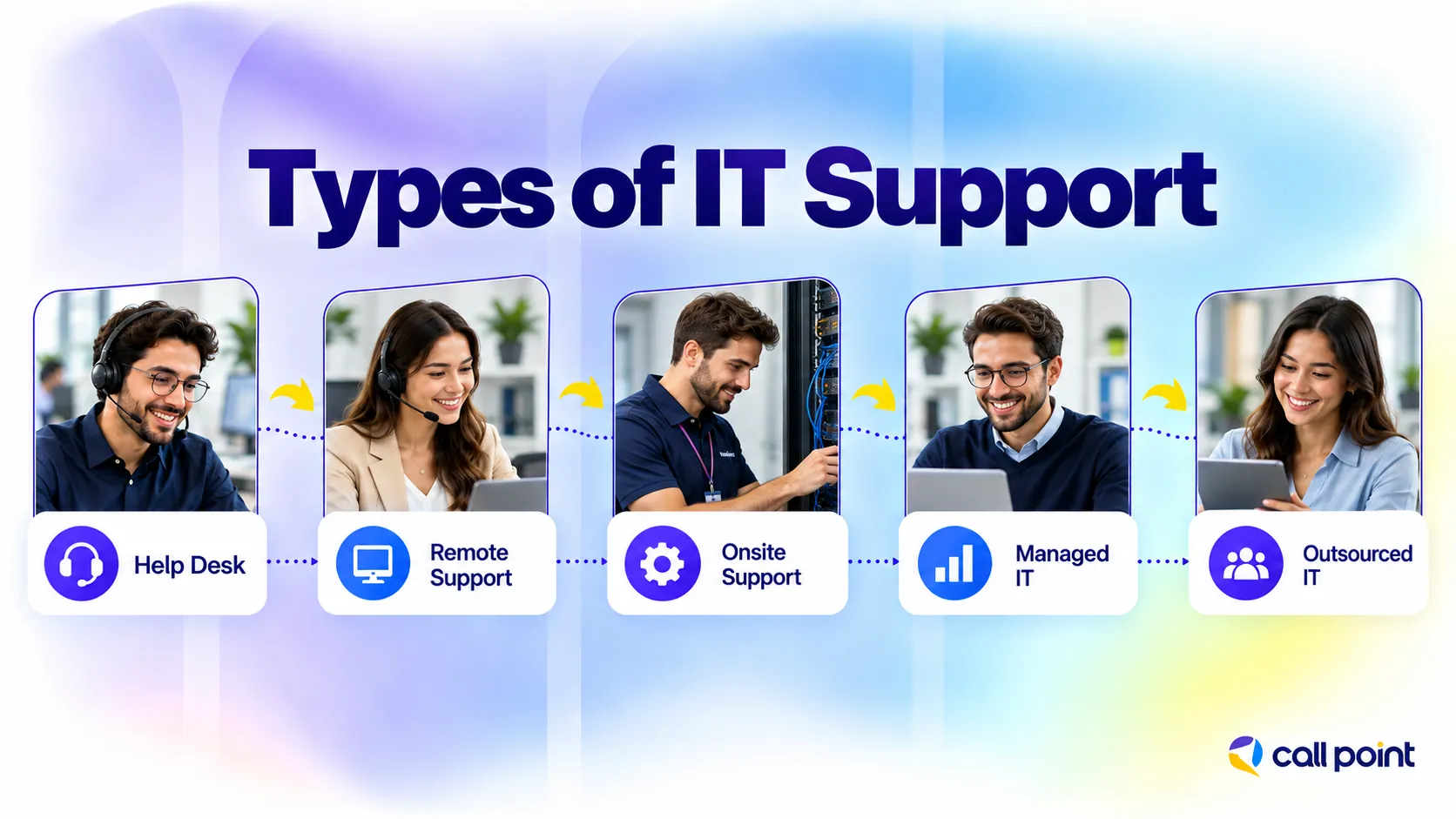
IT support takes several forms. The difference often comes down to where the technician works, how the user reaches them and how much of the IT function the support arrangement covers.
Help Desk Support
A help desk is usually the first place users go with routine technical questions and problems.
Typical requests include password resets, application errors, account access and basic device troubleshooting. The help desk records the request, handles straightforward issues and sends more complex ones to the appropriate technical team.
IBM describes a help desk as either a software tool or a team of agents used to answer questions and provide technical assistance.
For users, the benefit is simple: they have one obvious place to start instead of guessing which IT employee owns the problem.
Remote IT Support
Remote IT support happens without a technician physically sitting beside the user.
Someone reports an issue through a ticket portal, phone call, email or chat. The technician then talks the user through the problem or, where the company’s policies and tools allow it, works through an authorised remote-access system.
A large number of accounts, software and configuration problems fit this model. If the issue involves a physical component that needs replacing, remote troubleshooting usually identifies the next step rather than completing the repair itself.
Onsite IT Support
Some jobs need a person at the location. A damaged workstation, failed piece of network equipment, cabling issue or physical device replacement is difficult to resolve from another city. On-site technicians handle this hands-on work and often support office moves, workstation changes and equipment setup.
IBM’s IT resource definitions separate field support from central service-desk work, describing field support as local support for hands-on issue resolution and workplace changes.
Managed IT Support
Managed IT support covers an agreed set of ongoing IT responsibilities rather than isolated support requests. The exact scope varies by provider and contract. It might include user support, device administration, monitoring, routine maintenance or coordination with other IT suppliers.
For that reason, the phrase “managed IT support” tells you less than the service scope does. A business needs to check what the provider actually owns, what remains with the internal team and which issues fall outside the agreement.
Outsourced IT Support
Outsourced IT support means an external company handles defined technical support tasks for the business.
One company might outsource its entire frontline help desk. Another might keep an internal IT department and use an external team for routine user requests or additional coverage.
The second model is common in practice because support does not have to be entirely internal or entirely external. An outsourced team handles the requests within its agreed scope, while internal specialists retain responsibility for systems that need deeper company knowledge or higher-level access.
What Do Level 1, Level 2 and Level 3 IT Support Mean?
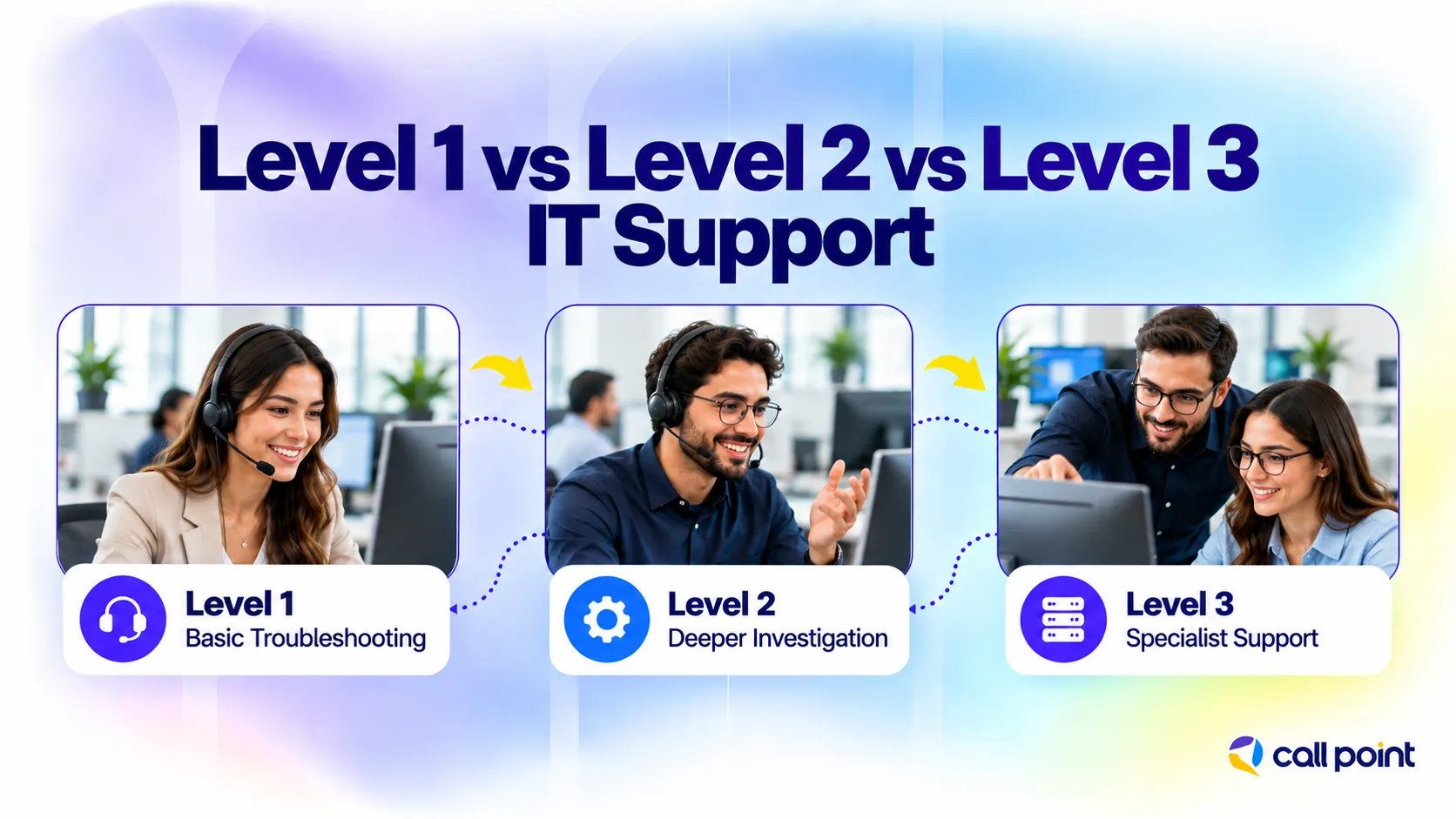
Level 1, Level 2 and Level 3 describe a common way of organising technical support according to the complexity of the issue and the expertise needed to resolve it.
The labels are useful, but they are not identical everywhere. One company’s Level 2 team might own work that another company sends directly to a system administrator.
| Support Level | Typical Responsibility | Example Requests | Common Roles |
| Level 1 | First contact and basic troubleshooting | Password resets, simple login problems, basic software errors | Help desk technician, service desk analyst |
| Level 2 | Deeper technical investigation | Device configuration, permissions, operating-system issues | IT support specialist, desktop support technician |
| Level 3 | Specialist or advanced technical work | Infrastructure, servers, complex networking, specialist applications | System administrator, network engineer, technical specialist |
Level 1 IT Support
Level 1 is usually the first human support point for everyday requests.
The technician gathers information, records the ticket and checks the most common causes. Password resets, locked accounts, simple software issues and basic connectivity checks often start here.
The goal is not to keep every ticket at Level 1. It is to resolve suitable issues quickly and recognise when a problem needs someone with deeper technical knowledge.
Level 2
Level 2 picks up problems that need more investigation or technical access. For example, the user might still have a software problem after basic troubleshooting. The Level 2 technician looks more closely at configuration, permissions, the operating system or the device itself.
Level 3
Level 3 deals with specialist problems.
Depending on the organisation, that includes infrastructure, servers, advanced networking, complex applications or technical work that requires administrator or engineering-level expertise. Some cases also end up with the software or hardware vendor.
The tier numbers should therefore be read as a support model rather than fixed job descriptions. Team structure, technology and internal responsibilities determine where each type of issue sits.
What Roles Work in IT Support?
“IT support” is a function, not a single job. A small business might have one person doing several of these jobs. Larger organisations usually divide responsibilities across different roles so routine user requests do not consume the time of senior technical specialists.
IT Support Specialist
An IT support specialist handles a broad mix of user and technical issues. Work often includes troubleshooting devices and software, checking user access, setting up equipment and handling tickets that need more investigation than basic help desk requests.
The title is broad. At one company, the specialist works mainly with end users. At another, the same role includes system administration duties.
Help Desk Technician
A help desk technician deals with the first wave of support requests. They record issues, ask users for the right details, work through standard troubleshooting steps and resolve common problems. When the fault falls outside their scope, they document what has already been checked and escalate the ticket.
Desktop Support Technician
Desktop support focuses on employee devices and workplace technology, including laptops, desktops, monitors, printers, and software. Staff also handle device replacements and tasks requiring direct equipment access.
System Administrator
A system administrator looks after the systems behind everyday user access.
Their responsibilities differ by company, but the role often involves servers, business systems, user administration and system configuration. Support tickets reach a system administrator when the problem sits deeper than normal end-user troubleshooting.
Network Administrator or Network Engineer
Network administrators and network engineers manage the systems that connect devices, users and business applications. They investigate network outages, configuration problems and other issues that go beyond routine Wi-Fi troubleshooting.
IT Support Manager
The IT support manager looks after the support operation rather than every individual technical fix. That includes workload, ticket queues, staffing, escalations, service quality and communication with other technical teams. The manager also looks for recurring problems that keep creating unnecessary support work.
Security or Specialist Escalation Teams
Some tickets leave the general IT support function altogether. A suspected compromised account, unusual system activity or specialist application failure needs the team responsible for that area. General support gathers the useful information and routes the issue according to the organisation’s escalation process.
What Are the Most Common IT Support Requests?
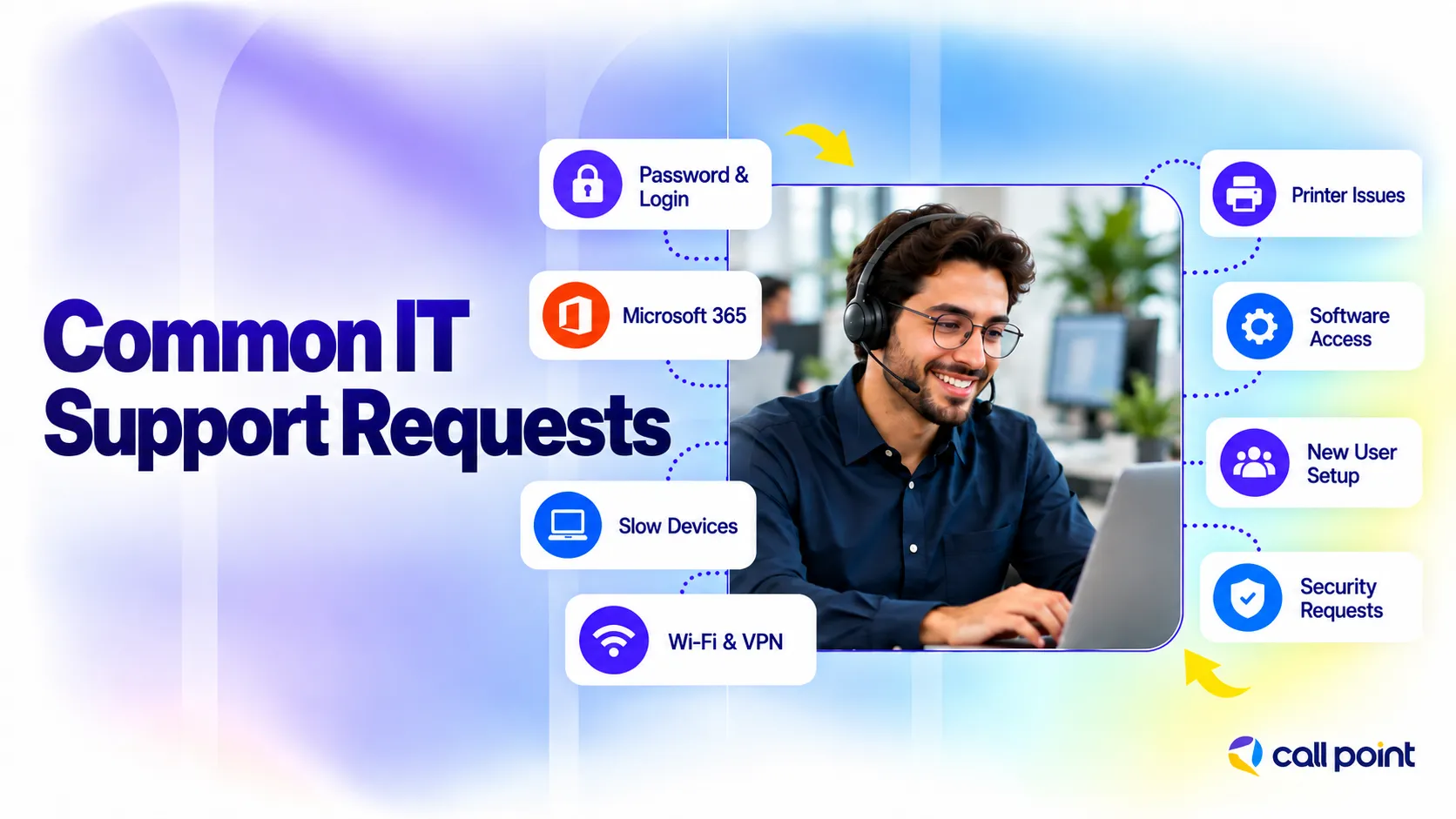
Most IT support requests come from everyday problems that stop employees from working normally. These include login issues, software errors, slow devices, connection problems, access requests and equipment faults.
Password and Login Problems
Forgotten passwords, locked accounts and failed sign-ins are among the most common support requests. The technician checks the user account, confirms the issue and follows the approved process to restore access.
Email and Microsoft 365 Issues
Sometimes email stops syncing, Outlook will not open or a user cannot access Microsoft 365. Support checks whether the problem sits with the account, device, application or permissions before taking the next step.
Slow Computers and Software Errors
A slow computer does not always mean the device is faulty. IT support looks at the symptoms, recent changes, running applications and error messages to narrow down what is causing the problem.
Internet, Wi-Fi and VPN Problems
Connection issues often affect access to files, applications and other business systems. A technician works through the connection step by step to find out whether the problem comes from Wi-Fi, the device, VPN access or the wider network.
Printer and Device Problems
Printers, monitors, docking stations, keyboards and headsets also generate support tickets. Some problems are fixed through settings or drivers, while damaged equipment usually needs hands-on attention.
Software Installation and Access Requests
Not every request starts with something broken. Employees often contact IT because they need an approved application, a licence or access to a system that is required for their role.
New Employee IT Setup
Before a new employee starts, IT support often prepares the basics: user accounts, email, device setup, required applications and access permissions. The setup should match the person’s role rather than giving everyone the same level of access.
File and Shared-Drive Access
An employee might find the correct folder but still be unable to open a file. In that case, support checks account permissions and follows the company’s approval process before changing access.
Security-Related Requests
Suspicious emails, unexpected login alerts or possible account compromises need more care than a normal support ticket. The support team records the details and passes the issue to the appropriate security or technical specialist when required.
How Does the IT Support Process Work?
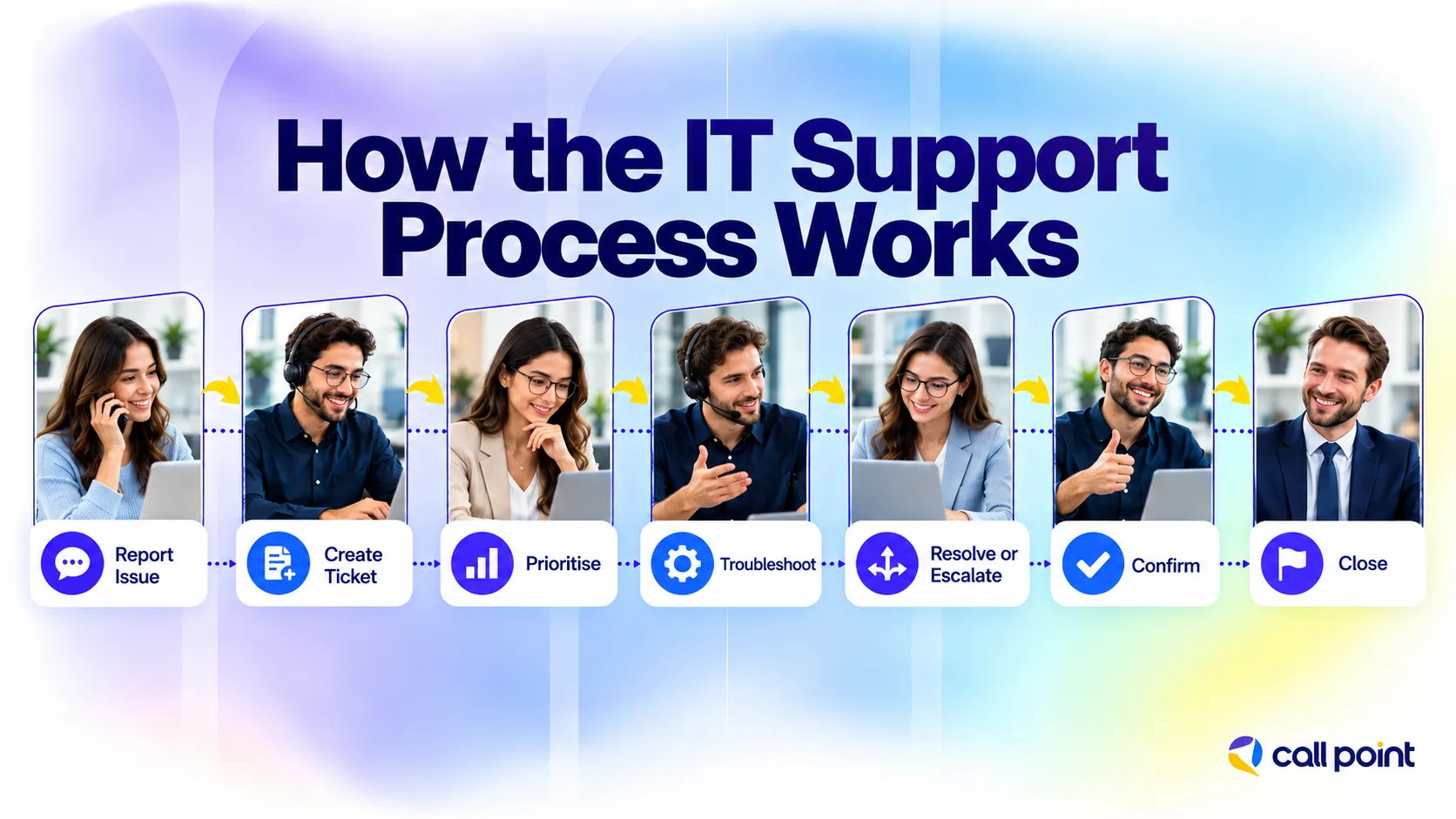
A support request usually follows a simple path: report, review, troubleshoot, resolve and document. The exact workflow changes by company, but the purpose stays the same. The issue needs a clear owner and a record of what happened.
A typical IT support process looks like this:
- The user reports the issue. This might happen through a ticket portal, email, phone or internal chat.
- A ticket is created. The request is recorded with details such as the affected user, device, system and symptoms.
- The issue is categorised and prioritised. A company-wide outage receives different attention from a single printer problem.
- A technician starts troubleshooting. They review the information, ask follow-up questions and test likely causes.
- The ticket is resolved or escalated. Problems outside the technician’s scope move to the appropriate specialist.
- The result is checked. Where appropriate, the user confirms that normal access or functionality has returned.
- The ticket is documented and closed. Notes provide a useful record if the same problem appears again.
For example, an employee reports that a business application will not open. The help desk confirms that the employee’s account is active and checks basic application settings. If the problem points to the application server rather than the user’s device, the ticket goes to the team responsible for that system.
What Is the Difference Between IT Support, Help Desk and Service Desk?
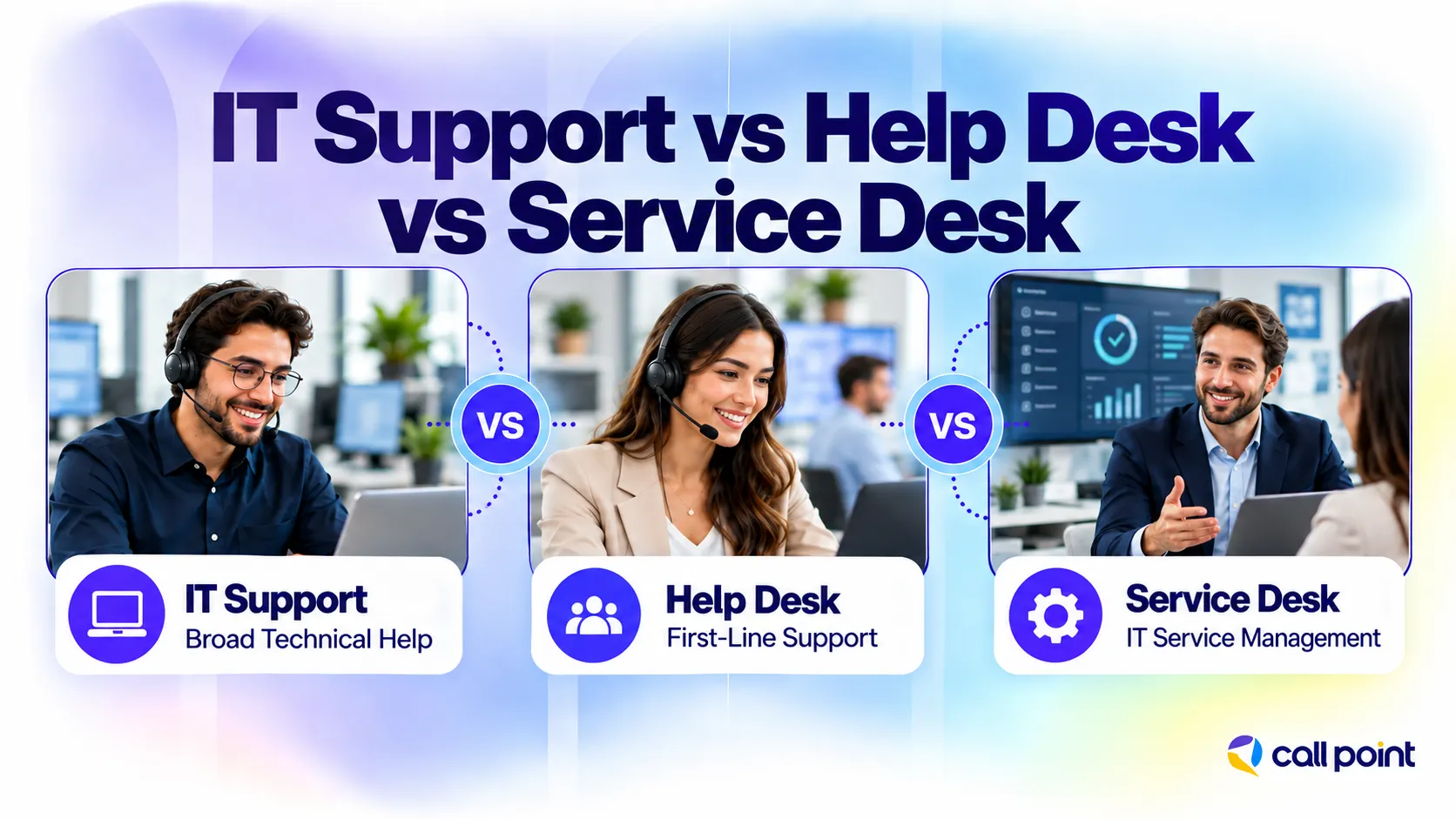
IT support is the broadest term. A help desk usually focuses on everyday user problems, while a service desk has a wider service-management role.
| Function | Main Focus | Typical Requests | Scope |
| IT Support | Technical assistance across business technology | Devices, software, accounts, networks and system problems | Broad technical support function |
| Help Desk | First-line user assistance | Passwords, access, common software and device problems | Usually focused on incidents and routine questions |
| Service Desk | Managing user access to IT services | Incidents, service requests, access and service communication | Broader IT service-management function |
These terms are not used in exactly the same way by every organisation, so the actual responsibilities of the team matter more than the job or department name.
IT Support vs Technical Support: Is There a Difference?
The two terms overlap, but they are not always used in exactly the same way.
IT support usually refers to assistance with an organisation’s wider technology environment. That includes employee devices, accounts, business applications, networks and access.
Technical support often refers to help with a specific product, application or technical problem. A software vendor, for example, might provide technical support for its own platform without managing the customer’s laptops, email accounts or internal network.
The difference is not fixed across every organisation. Some businesses use “technical support” and “IT support” as interchangeable terms.
When Does a Business Need IT Support?
A business needs a defined IT support process when technical requests start interrupting normal work or fall between employees with no clear owner.
One warning sign is repetition. Staff keep asking the same person to reset passwords, install software or fix connection issues. That employee might know enough to help, but the task sits outside their main job.
Other signs include:
- New employees waiting for accounts or system access
- Support requests are being handled through scattered emails and messages
- Managers dealing with routine technical problems
- The same faults appear without documentation
- No clear route for escalating a complex issue
- An internal IT team spends too much time on basic user requests
- Employees needing support outside the internal team’s available hours
The right response depends on the business. Some organisations need a dedicated internal support role. Others add an external help desk or split responsibilities between internal and outsourced teams.
In-House vs Outsourced IT Support
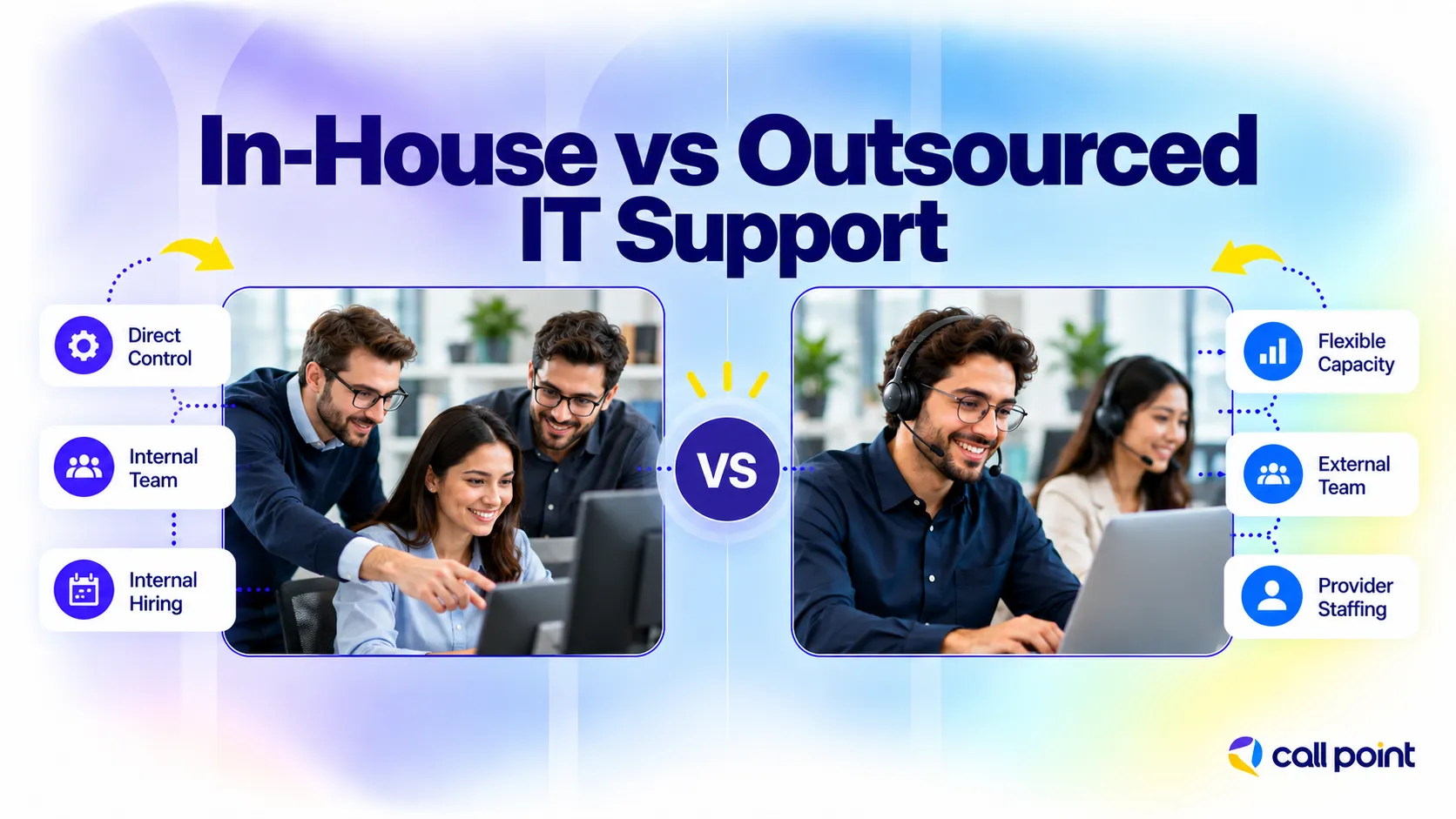
The main difference is who employs and manages the people delivering the support.
An in-house team works directly for the organisation. Outsourced IT support is delivered by an external provider under an agreed service scope.
| Factor | In-House IT Support | Outsourced IT Support |
| Team control | Direct internal management | Managed through a service agreement and a provider relationship |
| Business knowledge | Builds deep knowledge of internal systems and processes | Requires onboarding and documentation |
| Recruitment | Businesses recruit and retain their own staff | Provider handles its own support staffing |
| Coverage | Depends on internal team size and working hours | Depends on contracted support hours |
| Scaling | Usually requires additional hiring | Scope or team size is adjusted through the provider |
| Specialist access | Depends on skills available internally | Depends on provider capabilities and agreed scope |
| Management | Managed by internal leadership | Shared between client and provider |
| Cost structure | Salaries, benefits, tools and other internal costs | Contract or service-based pricing |
An internal team often suits companies with systems that require close day-to-day ownership or highly specialised internal knowledge.
Outsourced support fits a different need. A business might want a structured help desk without recruiting a complete team, or an internal IT department might need extra capacity for routine user requests.
There is also a third option: hybrid or co-managed support. In that setup, the internal team keeps responsibility for selected systems while an external team handles an agreed part of the workload. This model appears frequently in business IT service discussions because outsourcing does not have to replace the internal department.
Can IT Support Be Outsourced?
Yes. Businesses outsource defined parts of IT support when they need additional technical capacity without building the complete function internally.
Common outsourced tasks include:
- Remote technical support
- Help desk support
- Ticket management
- User assistance
- Routine troubleshooting
- Technical documentation
- System-monitoring support
- Escalation coordination
The important word is defined.
The agreement should make clear what the external team owns and where its responsibility ends. A provider handling frontline tickets, for example, does not automatically become responsible for every server, security tool, cloud platform or specialist business application.
That division also gives an internal IT team somewhere to hand off repetitive user requests while retaining control of higher-level systems.
How Call Point Supports Outsourced IT Support Operations
Call Point Business Solutions supports businesses with remote IT support tasks such as help desk assistance, ticket handling, user support, troubleshooting and escalation coordination. The team works around the client’s existing systems and processes, so support requests follow the right workflow instead of being handled in isolation.
Before work begins, the team receives the required process training and controlled system access. Call Point also uses role-based access controls, supervisor checks and performance monitoring to keep support organised. When an issue falls outside the agreed scope, it is documented and passed to the right internal or specialist team.
Frequently Asked Questions
What Is IT Support Outsourcing?
IT support outsourcing means hiring an external provider to handle defined technical support tasks. This often includes help desk requests, troubleshooting, ticket management, user assistance and escalation support.
What Should Businesses Look for in an IT Support Provider?
Look at the provider’s service scope, support hours, technical skills, ticket process, escalation procedures, data access controls and pricing. Make sure responsibilities and exclusions are clear before signing an agreement.
Does IT Support Include Cybersecurity?
Some IT support tasks overlap with cybersecurity, especially account access, authentication and suspicious activity reports. However, specialist security work should have clearly defined responsibilities and qualified technical oversight.
How Quickly Should IT Support Respond?
Response times depend on the ticket priority, support hours and service agreement. Critical problems that affect several users are normally prioritised differently from routine requests such as software installation.
Can IT Support Be Provided Remotely?
Yes. Many login, software, email, configuration and user-access issues are handled remotely. Problems involving damaged hardware, cabling or other physical equipment often require on-site support.
Final Thoughts
IT support covers more than fixing a laptop after something breaks. It gives employees a clear route for technical problems, access requests and everyday technology questions while creating a process for tickets that need specialist attention.
The right structure depends on the company. Some businesses keep the work in-house. Others outsource frontline support, while larger teams often use a mix of internal specialists and external support staff.
What matters most is clarity: who handles the request, where it goes when the first technician cannot resolve it, and which systems fall inside the support scope.
For businesses that need additional help desk or remote support capacity, Call Point Business Solutions provides outsourced IT support built around defined workflows, ticket handling and escalation.